VS Code 1.137 Lets AI Agents Run on a Schedule Without You Asking
Automations, voice mode, and an open agent host protocol that survives window closures. VS Code 1.137 shipped on September 9 and it is less a text editor update than an orchestration platform release.
The WJS Desk
Sep 14, 2026 · updated 10 days ago · 4 min read
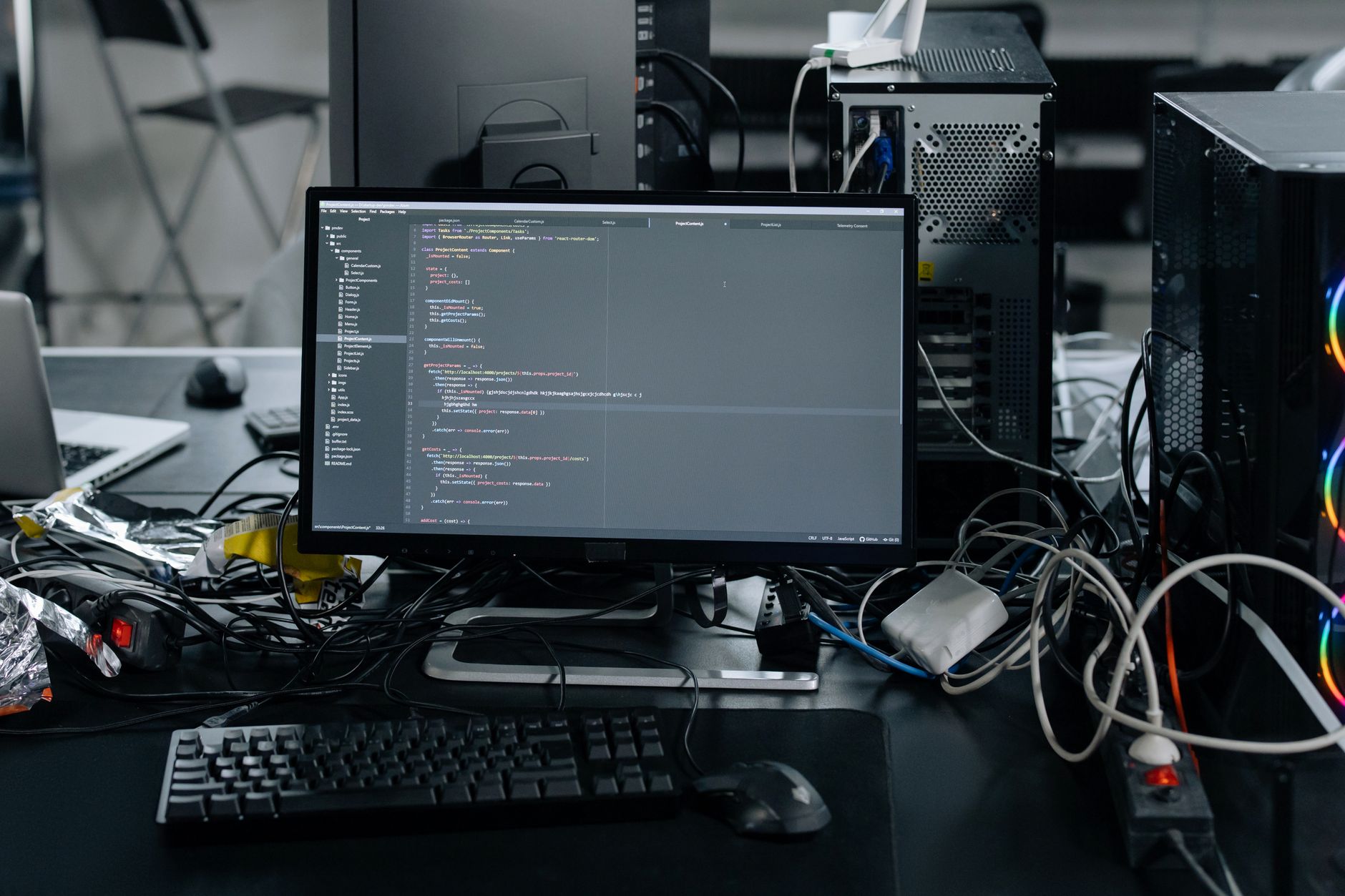
VS Code 1.137 shipped on September 9, 2026, and the headline feature is not a syntax highlighter or a new file tree. It is scheduled automations: AI agents that run hourly, daily, or weekly on a prompt you define, without you opening the editor or clicking anything. You set a schedule, write a prompt, and the agent runs on its own.
That is a meaningful line to cross. Every previous version of Copilot in VS Code was reactive (you ask, it answers). Automations make it proactive. Combined with the new Agent Host Protocol and an experimental voice mode, this release rewrites what "text editor" means for the 15 million developers who use VS Code monthly.
Automations: agents that run while you sleep
The feature is behind a preview flag (chat.automations.enabled). Once enabled, you get a new panel where you can create automation tasks. VS Code ships three templates: catching up on changes since your last session, triaging new GitHub issues, and scanning for regressions. You can also write your own prompt and set a cron-style schedule.
The practical implication is straightforward: a nightly dependency audit, a Monday morning triage of new issues, an hourly scan for failing tests. The prompt is always the same and only the timing changes. That is the class of work automations target.
The limitation is also straightforward. Automations run in the Copilot harness only. If you use Claude, Codex, or another agent provider through the Agent Host, you cannot schedule them yet. Microsoft built the scheduling layer for its own product first.
The Agent Host Protocol is the real story
Automations are the feature people will try first, but the Agent Host Protocol (AHP) is the infrastructure that makes them possible. AHP shipped in preview with VS Code 1.136 and is now more deeply integrated in 1.137.
Here is what it does: AHP moves the AI agent out of the extension host and into its own dedicated process. That process communicates over JSON-RPC with immutable state and pure reducers. The result is that agent sessions are decoupled from editor windows. You can close VS Code entirely, reopen it, and your agent session is still running. You can connect to the same session from multiple windows. You can run agents over SSH on a remote machine.
The protocol is open and agent-agnostic. It reads MCP configuration from .mcp.json (workspace level) and ~/.copilot/mcp-config.json (user level). The stated goal is alignment across VS Code, Copilot CLI, the standalone GitHub Copilot app, and other Copilot products.
This is architecturally significant. Before AHP, an agent session lived inside VS Code's extension host and died with the window. Now it is a persistent service. That is the same architectural pattern that JetBrains is pursuing with its AI assistant and that Cursor has had since inception: the AI is not a plugin inside the editor, it is a process the editor connects to.
Voice mode: talk to your agent
The experimental voice mode (agents.voice.enabled) lets you speak to an agent while it works. You can interrupt it mid-response by starting to speak or using a push-to-talk shortcut. The agent is aware of your active session, selected model, and attached files.
The interesting design choice: voice mode is not dictation. You are not speaking code. You are giving natural-language instructions while the agent writes code, and you can redirect it by talking over it. Microsoft describes it as working "like a human colleague," which is aspirational but captures the interaction model.
Voice input and output are customizable (you can pick your microphone and the voice the agent uses). An optional transcript panel displays the conversation if you want a text record.
Everything else in the release
The release notes list several smaller features worth knowing about:
- Agent-queued messages. When an agent sends a message to a busy chat via the
send_messagetool, the system queues it for sequential processing. This means agents can work in parallel without interrupting each other. - GitHub issues and PRs in the Agents window. You can view issue descriptions, comments, and pull request diffs without opening a browser, even if the repository is not open locally.
- Quick chat to workspace. You can start a quick chat without a workspace and then attach a local folder later. The conversation history and current request are preserved.
- VS Code Pet. An experimental interactive companion that "reacts as you work with agents." Microsoft is accepting name suggestions through September 17. We mention this because it shipped in the same release as autonomous agent scheduling, and the juxtaposition is worth noticing.
What is missing
Automations are Copilot-only. The Agent Host Protocol is open, but the scheduling layer on top of it is not available to third-party agent providers yet. If you are using Claude Code, Aider, or Continue as your VS Code agent, you get the persistent sessions from AHP but not the cron-style scheduling.
Voice mode is experimental and requires a separate opt-in. The release notes do not mention latency numbers for voice recognition or response generation. We do not know how well it performs on a noisy call or a slow connection because we have not tested it.
There is also no mention of cost. Copilot Business costs $19/month per seat. Running an agent on an hourly schedule means hourly API calls. Microsoft does not clarify whether automations count against existing Copilot usage quotas or whether they will be billed separately.
Your turn
If you are already using VS Code with an AI agent, have you tried the Agent Host persistent sessions? We are curious whether session survival across window closures works reliably or whether you have hit state corruption.
For how another AI coding tool handled the multi-model problem, see our piece on Copilot HydraFusion routing through multiple models and the benchmarks that got worse.